Suggesting your role to volunteers
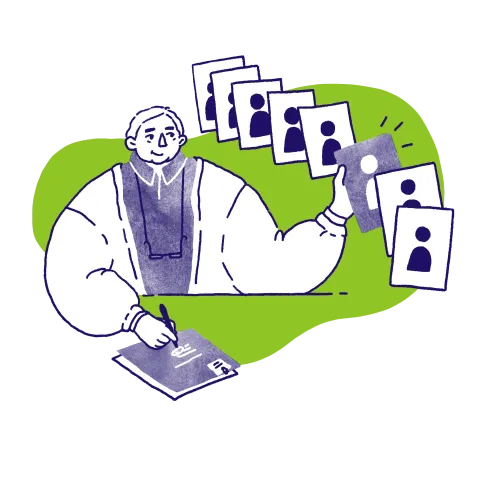
One of the most effective ways to find volunteers on Reach is to actively search our community and suggest your role to people who look like a good fit.
We know that reaching out to people directly may feel a bit uncomfortable at first, but it can make a huge difference in finding great volunteers. Find out how to go about it here, and read our tips for searching successfully below.
Be curious
It’s absolutely fine to click into volunteer profiles to learn more about people, their experience, and the kinds of roles they’re interested in. We don’t track or share profile views, so volunteers won’t know you’ve looked.
It's fine to get in touch
Volunteers can choose whether to keep their profiles private or make them public, and they can swap between the two at any time. If someone has a public profile, it means they’re open to being contacted about opportunities, so you don’t need to worry about reaching out to someone who won’t want to hear from you - they're expecting it!
Volunteers’ interests are wide-reaching
We ask volunteers to tell us about the causes they’re interested in and the types of roles they’re looking for. You’ll find this information on their profiles, and it can be a helpful starting point when deciding who to contact.
But, if someone’s skills and experience are a great fit for your role but your cause or opportunity aren’t the perfect match, it’s still worth getting in touch. Lots of volunteers are keen to make a difference and will consider a wide range of opportunities if they feel they can have an impact - and they can always say no if it’s not right for them.
Save volunteers for later
If you come across someone who looks like they’d be a great fit, but you’re not quite ready to get in touch, click ‘Save volunteer’. Their profile will be stored in the ‘saved volunteers’ section of your dashboard – this is a private section, available only to you, that you can return to whenever you're ready. You can save as many volunteers as you like.
Make your message personal
When you’re ready to get in touch, a personalised message makes all the difference. Tell each volunteer what stood out to you in their profile, how their skills will help, and the impact their contribution could have on your organisation and your cause. It’s also helpful to include a short introduction to your organisation and the role, particularly if they may not be familiar with you.
Don’t be discouraged if you don’t hear back
Not everyone will reply, and though it can be disappointing, it is normal. There are lots of reasons someone might not respond, so try not to take it personally, or be dissuaded from trying again. Reaching out to a small group at a time often works best - we recommend starting with around 5–10 people, and seeing how things go. You can always contact more later if needed.
More on managing opportunities
Understand how opportunities - aka roles you post - work on Reach, how and where to manage them, and what you can do to promote them.
Our criteria for opportunities