How do I contact a volunteer?
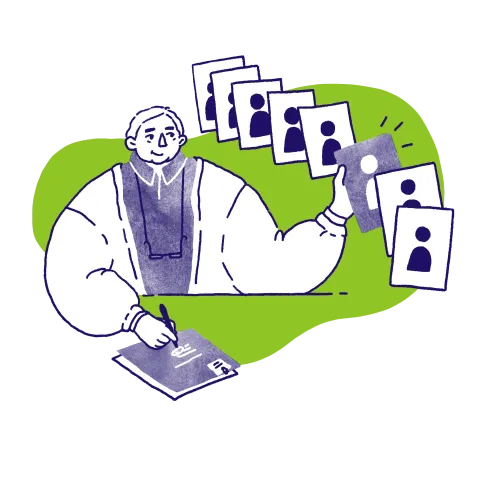
There are thousands of people registered with us looking to volunteer their skills. Unlike a jobs board where you post an opportunity and then hope the right volunteers spots it, with Reach Volunteering you can search for volunteers and ask them to apply directly. It is a great way to start conversations with volunteers you think might be able to support you.
To contact a volunteer, your opportunity must be available.
To contact a volunteer you must first have a live volunteer or trustee opportunity. If you’re new to Reach, you’ll need to register and create a profile for your organisation. You can then post an opportunity. Before publishing, our Service Team reviews all new roles to make sure they meet our criteria. You can post a role from your dashboard.
How to contact a volunteer
Once your role is live:
- Search for volunteers, making sure to use the filters to either expand or refine your search results. Searching by keywords is also a helpful way to refine your search.
- When you come across a volunteer that you think might be a good fit, click on the Contact Volunteer button. If you would like to save them to contact them another time, please click on Save Volunteer, and they will be stored under Saved Volunteers in your dashboard
- You will see a message box with some suggested text in it. We would recommend that you tailor your message to the volunteer, highlighting why you think they would be a good fit for the role. Contacting a volunteer is not a promise that they will be placed, but an invitation to explore more about the role. We would recommend that you make this clear in your message, including explaining the selection process so that they are clear about the next steps.
- Click Send

Why do I need an opportunity to contact a volunteer?
We've found the best volunteering happens when the charity has thought through what they need. Our opportunity creation form helps you do just that, and it also helps communicate your needs to the volunteer.
I’ve posted a role and still can’t contact a volunteer, why?
It may be that your role has been created, but not yet published by the Reach team. If you recently submitted an opportunity for review, we aim to email you within 2-3 working days to let you know that your opportunity is live, or to request more details if necessary. You can check the status of the opportunity in the Manage Opportunities section of your dashboard.
As you wait for your role to be reviewed, you can save volunteers to your dashboard by clicking Save Volunteer, and they will be stored under Saved Volunteers in your dashboard, ready for when you are able to contact them.
If you try to send a message to a volunteer, but it does not work, check your dashboard to see if you have not already contacted them, and have an existing conversation.
I’ve received a message from a volunteer - how do I reply?
When a volunteer replies to your message, you will receive an email notification from Reach with a direct link to their message. The link will direct you to your Reach dashboard where you will be able to reply to the volunteer. You can also view messages by logging in to your dashboard and going to the Messages section on the left hand side panel.
More on managing opportunities

Our criteria for opportunities